Back to overview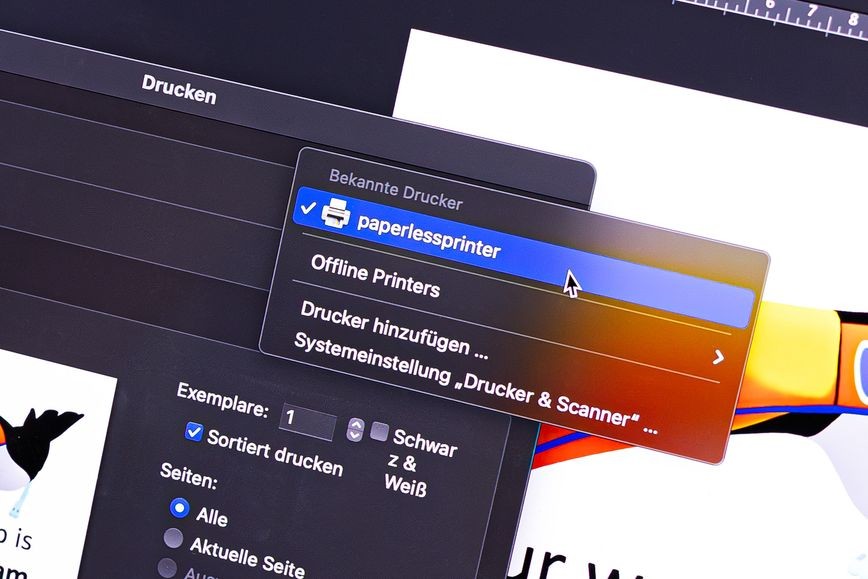

Written on January 11, 2026
Printing without paper: Your e-ink display as a real printer
We have built an IPP printer driver that allows you to use any connected paperlesspaper display like a regular printer on the computer.
Einfach aus Word direkt auf das Gerät "drucken"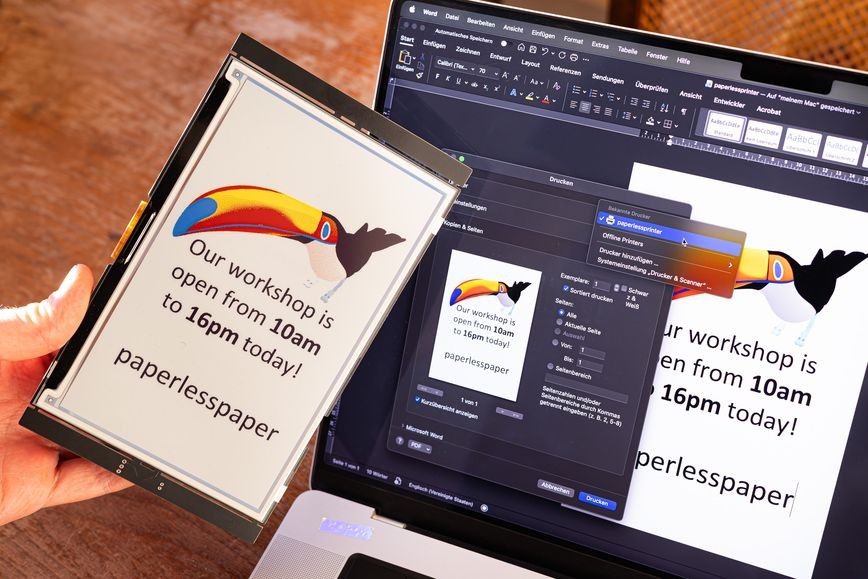 Einfach aus Word direkt auf das Gerät "drucken"
Einfach aus Word direkt auf das Gerät "drucken"It is a simple, "dumb" solution: You click as usual on Print – and instead of killing a tree, the print job is converted into an image and sent to the E-Ink display.
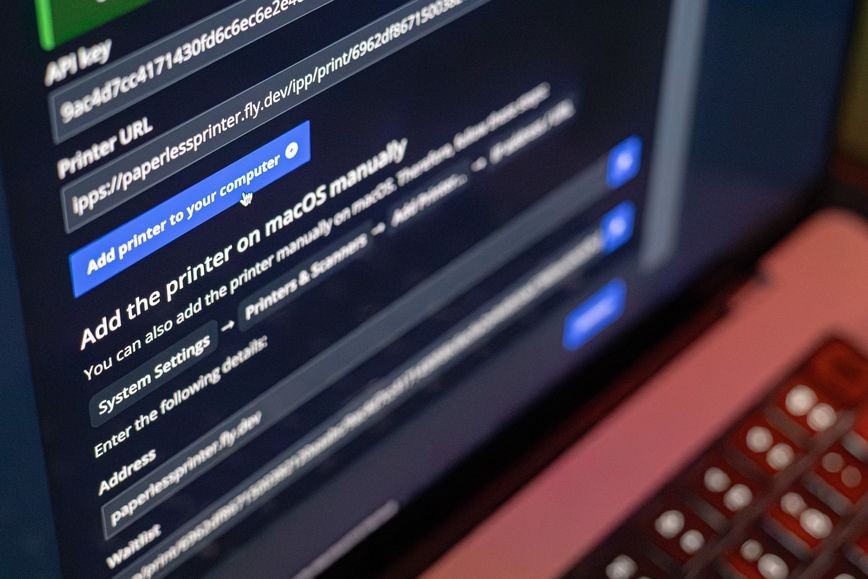
In the web application the printer can be used as a "printer" integration.
Repository
The repository is open source and can be found here:
https://github.com/paperlesspaper/paperlessprinter
Basically, it does the following:
Print button → PNG → send to any API → your E-Ink display
What's good about it:
- It works with anything that can print, and users don't have to learn a new workflow.
- Very easy setup: You just have to click a button to set up the printer (at least on macOS).
- You can set up multiple "printers" for multiple displays.
- It can work over the internet (and is secure, as a token can be attached).