Back to overview

Google Sheet Tabelle

Öffentliche Google Sheets als ePaper-Tabelle.

beta
Version0.1.0
Zuletzt aktualisiertJune 27, 2026
Installieren

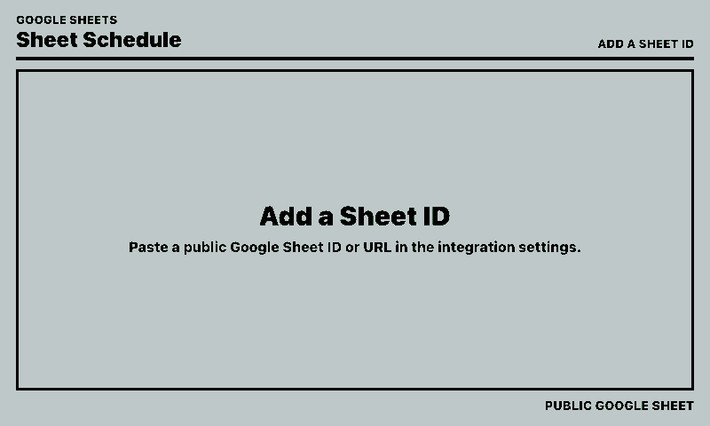
Google Sheet Tabelle zeigt eine öffentliche Google-Tabelle als kompakte ePaper-Tabelle. Standardmäßig wird das Sheet direkt dargestellt; optional kann eine gefilterte Zusammenfassung aus Namen, Spalten und Datumswerten erzeugt werden.

Konfigurierbar sind Sheet-ID oder URL, Worksheet-GID, Titel, Zeilenlimit, Filterlisten, Spaltenzuordnung, Datums- oder Labelspalte, vergangene Einträge, Abschnittslabels, Tabellenkopf und Erhalt von Formatierungen. Unterstützt werden Deutsch und Englisch.
Anpassbare Optionen

Title
stringStandard:

Optional. Leave empty to use the Google Sheet title.

Google Sheet ID or URL
stringStandard:

Use a public Google Sheet ID, or paste the full Google Sheets URL.

Sheet gid
stringStandard:

Optional worksheet gid. Leave empty for the first sheet.

Names to find
stringStandard:

Optional filter mode. One exact value per line. Leave empty with no column mapping to show the sheet as-is.

Display names
stringStandard:

Optional aliases, one per line: Full Name=Display Name.

Column mapping
stringStandard:

Optional filter mode. One mapping per line, such as B=Group 1. Leave empty with no names to show the sheet as-is.

Date / label column
stringStandard: A

Spreadsheet column containing dates, row labels, or section labels.

Maximum rows
numberStandard: 20

Limits table rows in default mode, or matching entries in filter mode.

Show past dates
booleanStandard: false
Use labels from date column
booleanStandard: true

Allow non-date values in the date/label column to appear in the Date column.

Maximum floating section labels
numberStandard: 2
Contrast table header
booleanStandard: true

Use background-colored text on a foreground-colored table header. Turn off to reverse it.

Table header style
stringStandard: contrast

Choose theme contrast, theme plain, or the formatting from the Google Sheet header row.

contrastplainsheet
Preserve text styles
booleanStandard: true

Apply exported bold, italic, underline, and strikethrough formatting.

Preserve text colors
booleanStandard: true
Preserve background colors
booleanStandard: true
Preserve alignment
booleanStandard: true
Show update time
booleanStandard: true

Ähnliche Integrationen

Image editor
With the image editor, you can quickly create simple drawings in the style of Instagram stories and send them directly to the PaperlessPaper display.Continue reading
 – Icon der Immich Photos Integration
Immich Fotosalpha
Zeigt zufällige, neueste oder älteste Fotos aus Immich mit optionalen Metadaten.Continue reading
 – Icon der Simple Text Integration
Einfacher Textalpha
Konfigurierbare Textkarte für Hinweise, Notizen und Markdown-Inhalte.Continue reading
Home Assistant Integration von djiwondee
djiwondee hat ein Integration erstellt mit welcher du paperlesspaper ePaper-Displays direkt über Home Assistant – einschließlich Automatisierungen, Skripten und der gesamten HA-Medienbibliothek steuern kannst.Continue reading