Slides
Slidesfff
With the Slides integration, you can rotate multiple contents on your paperlesspaper display – either randomly or in a fixed order.
Random Display
Do you want to be surprised every day? With the random option, your display regularly shows changing content from your activated integrations – ideal for bringing variety to the display.
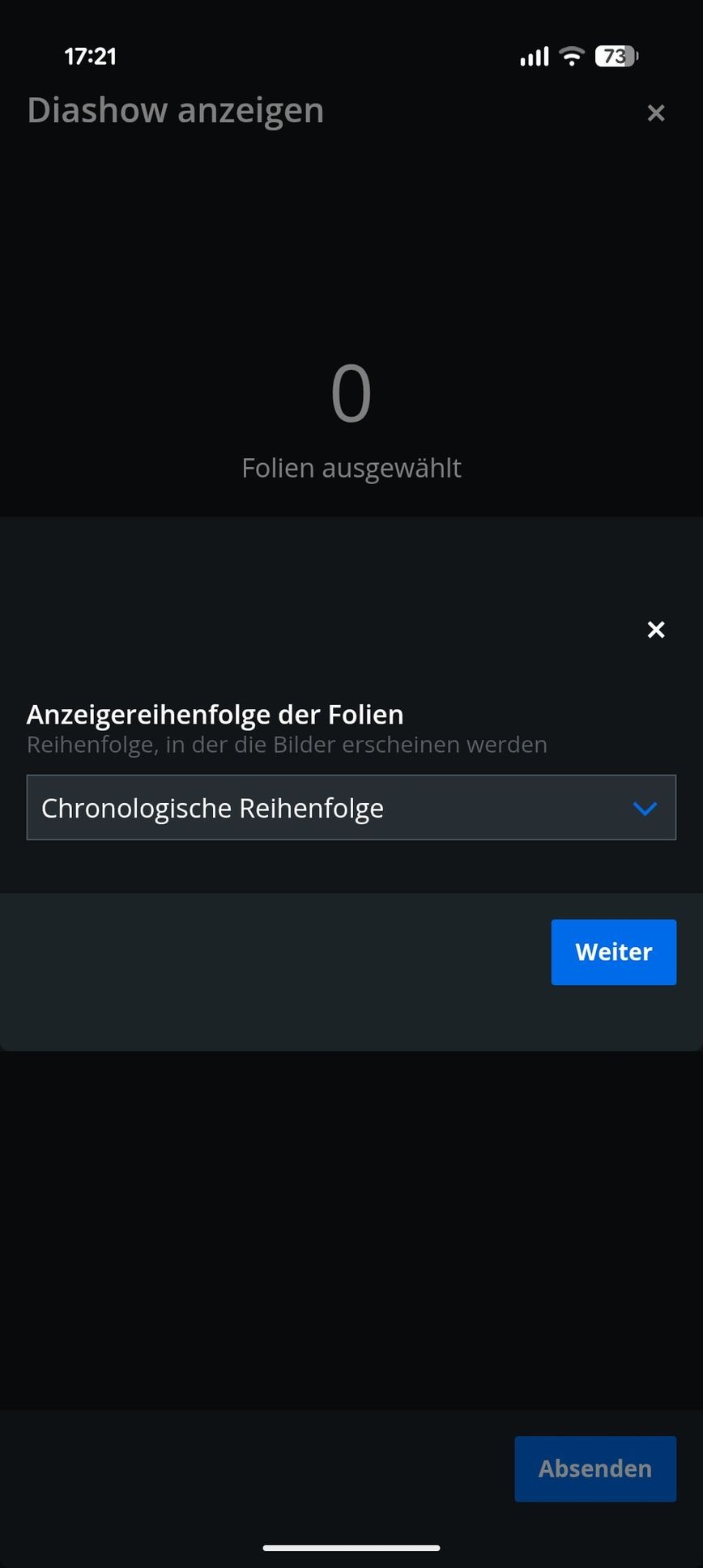
Chronological Order
If you prefer a fixed order, you can run the integrations one after the other – e.g., first weather, then calendar, followed by a Wikipedia article.
Flexible Control
Set how often the content should change – for example, every few minutes or just once a day. This way, Slides adapts exactly to your daily routine.
How do I use the slideshow application?
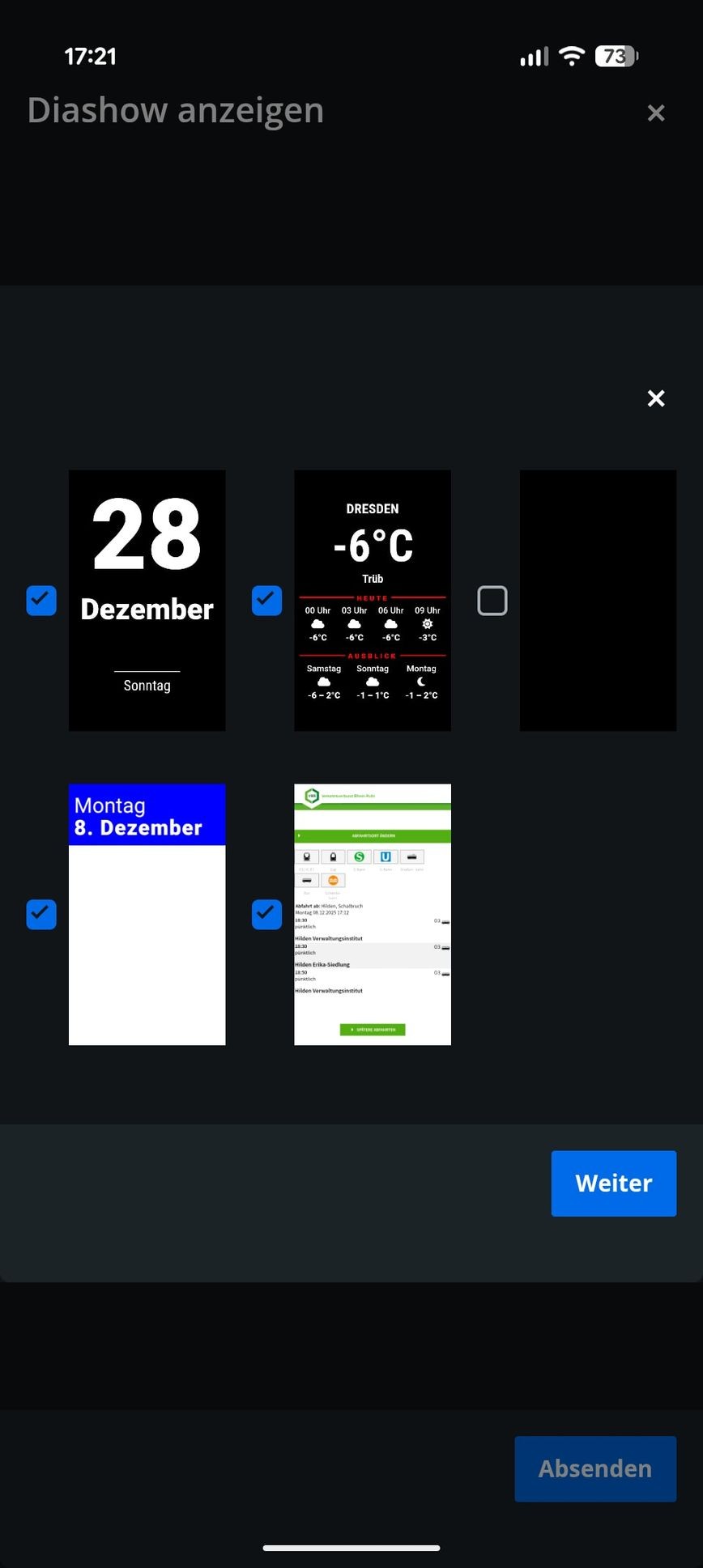
The picture frame always receives its data via Wi-Fi. Therefore, only the image you are currently viewing is stored locally on the device. With the "Slides" application, it is possible to play already uploaded content randomly or in a sequence at the set update interval.
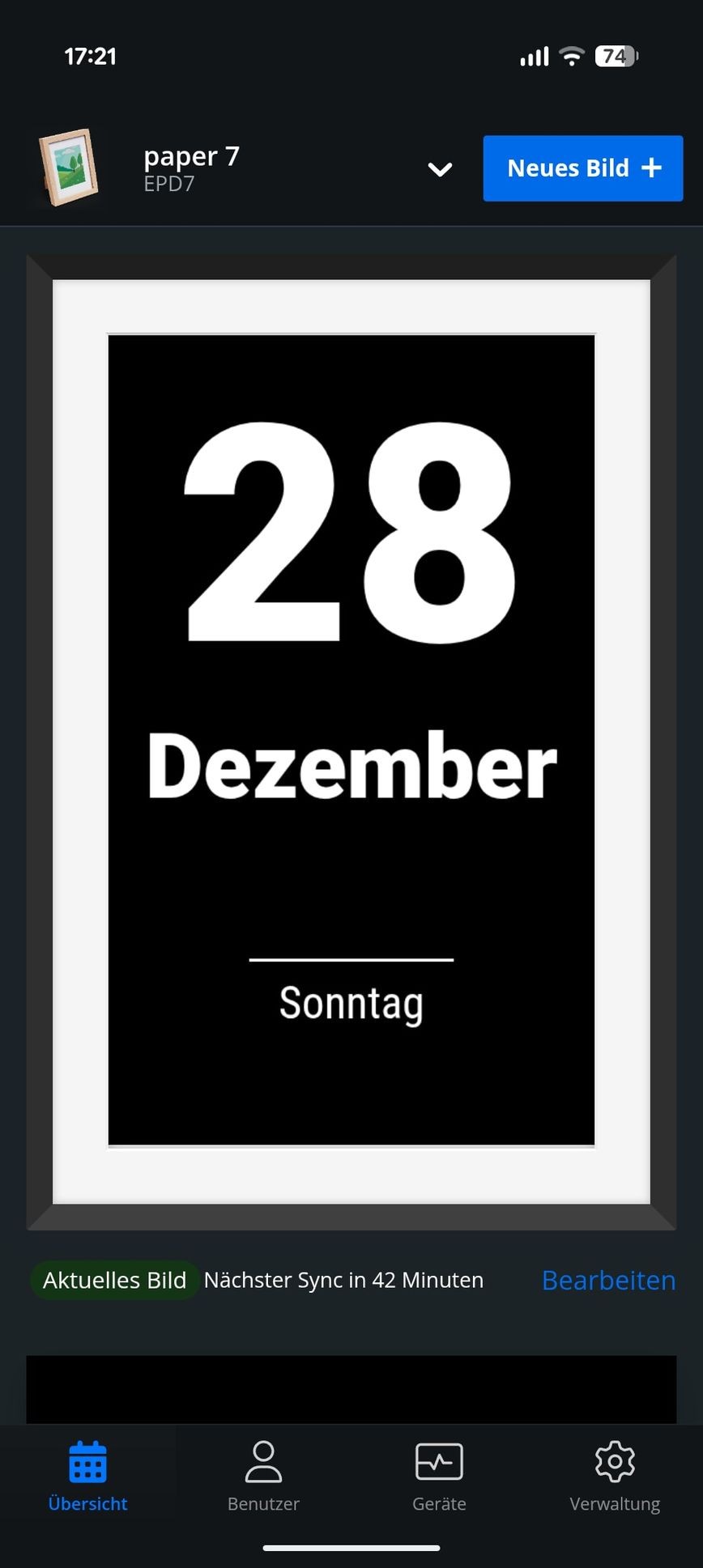
- In the app, select the correct picture frame and click on "New Image".
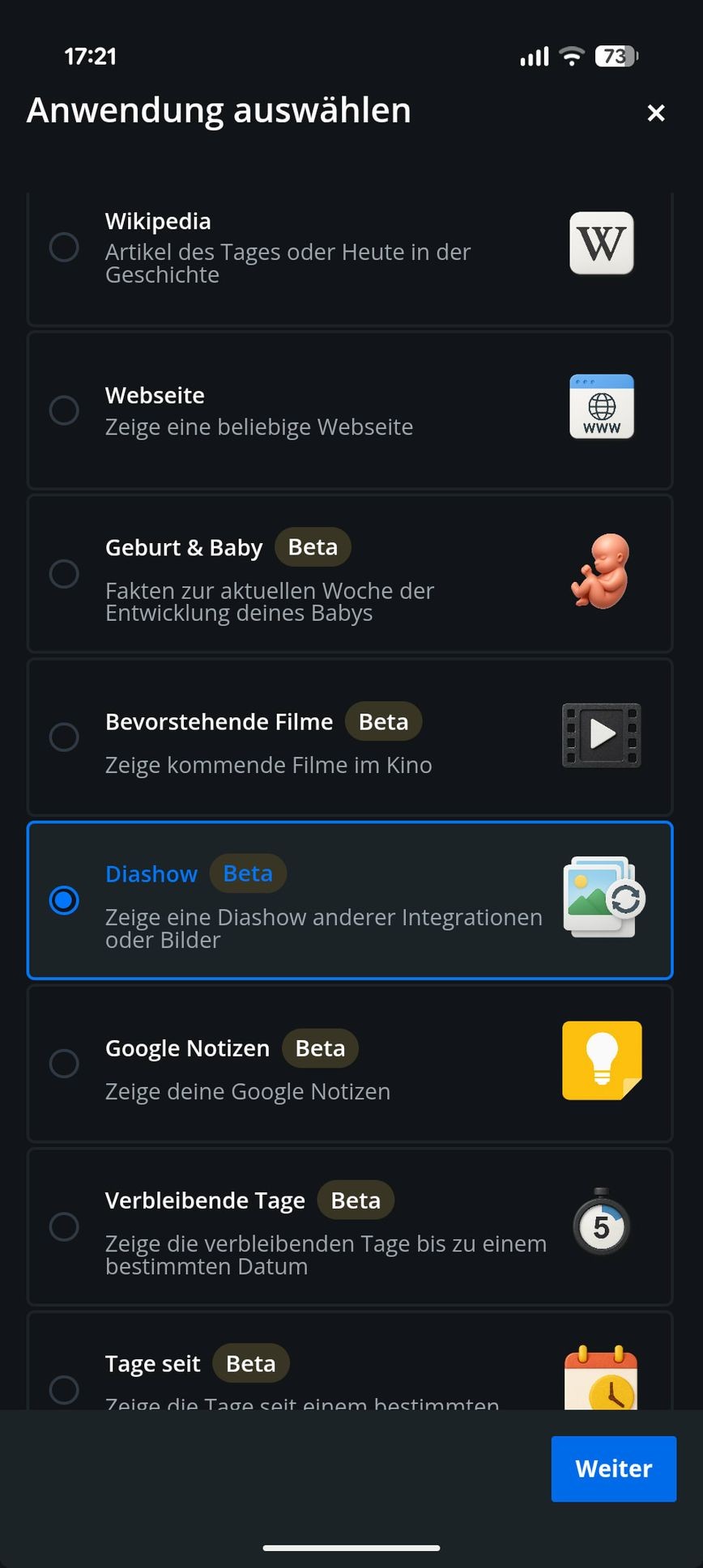
- Select the application "Slides" or "Slideshow" and click on "Next".
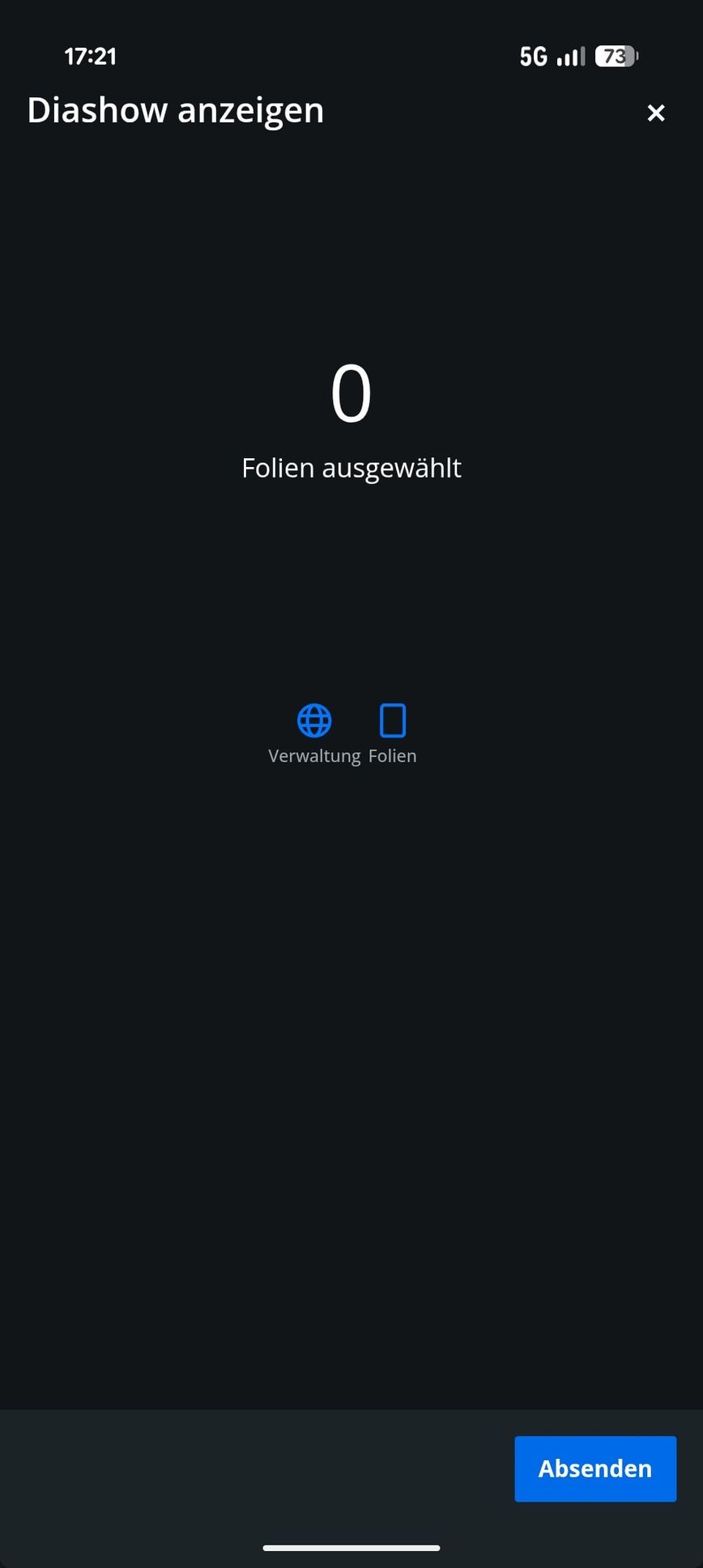
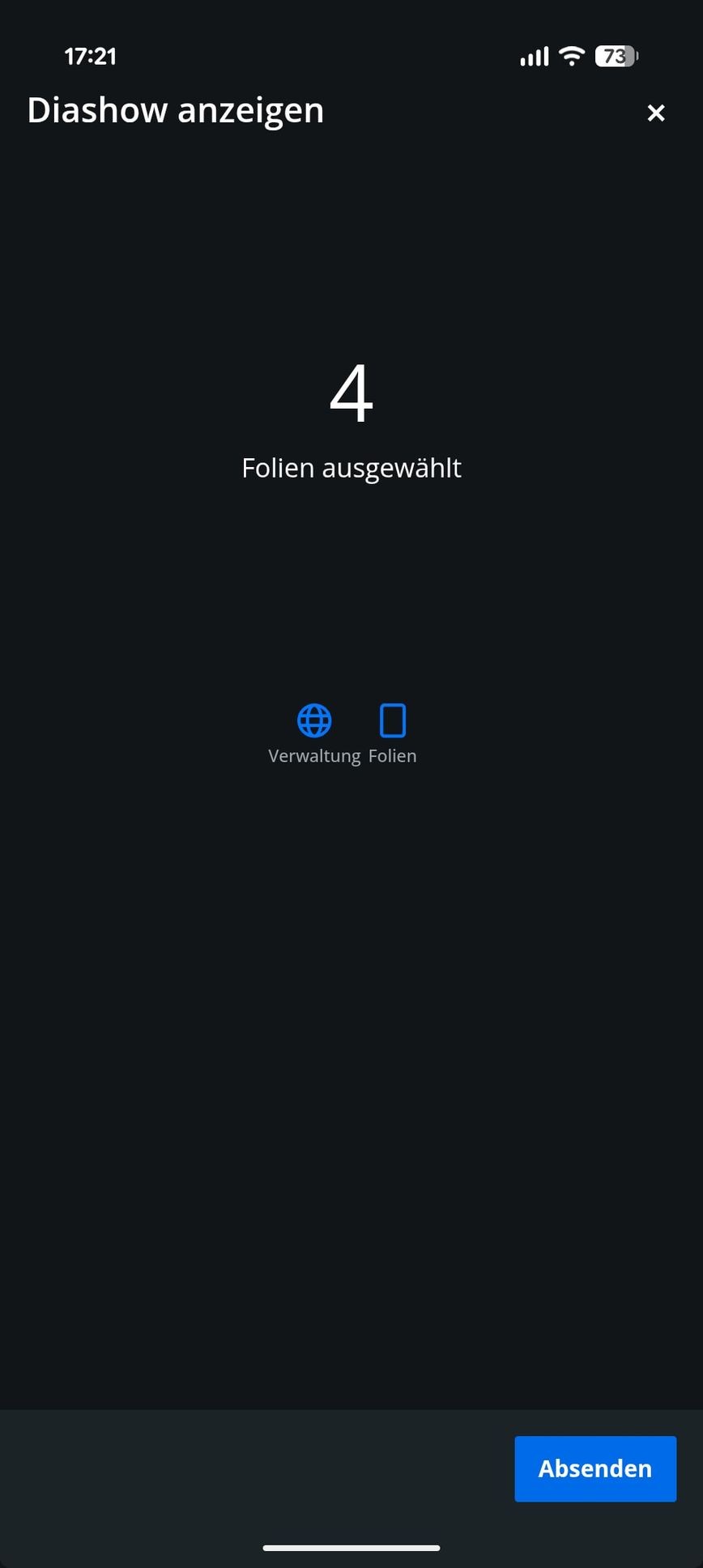
- Through "Management" the order of the images can be set, while under "Slides" the content to be displayed can be selected.
- After saving, the content will be updated according to the update interval (device settings).
Ähnliche Integrationen