Telegram
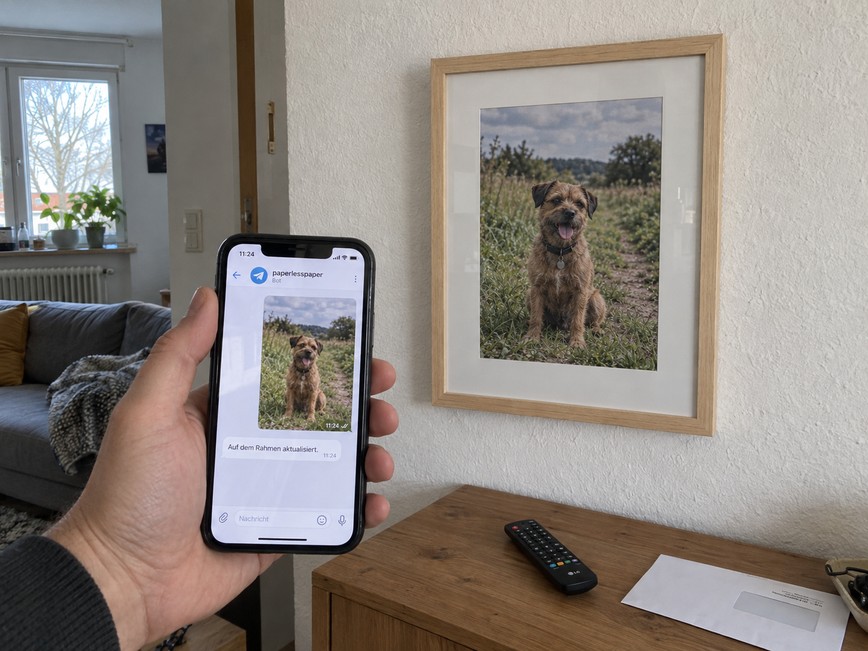
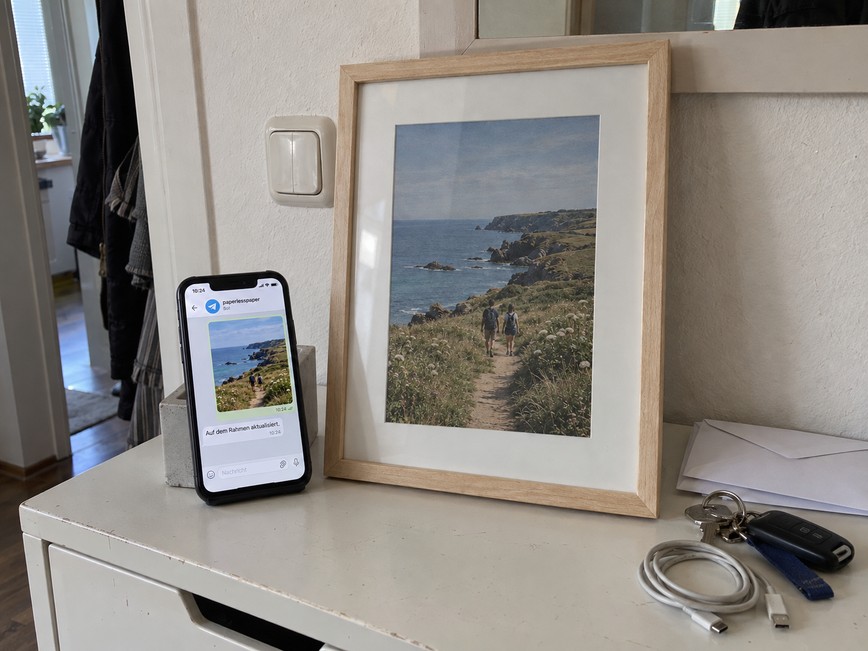
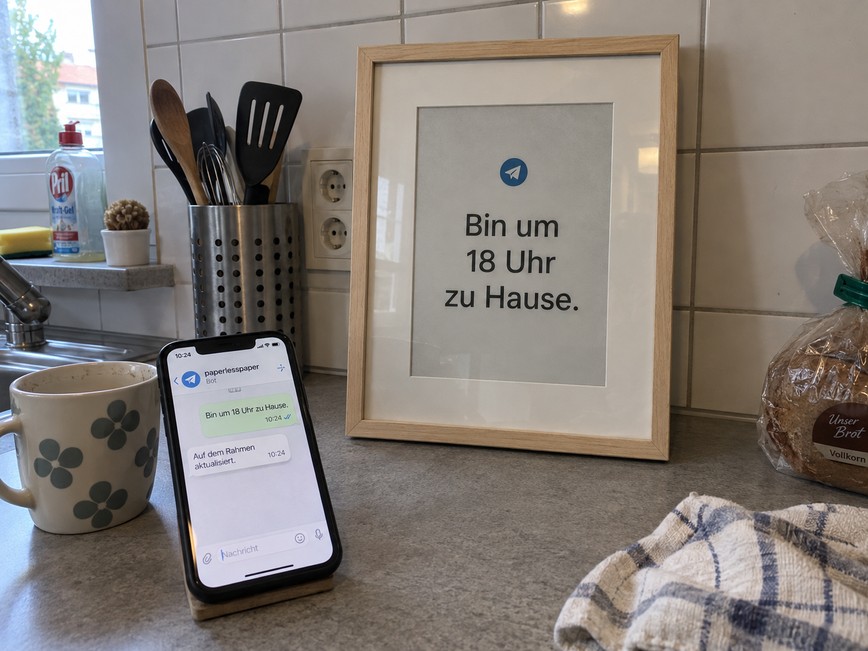
Send photos and text to your paperlesspaper frame with Telegram.
Send photos, captions and text messages to your paperlesspaper frame directly from Telegram. Connect your account to the shared @paperlesspaper_frame_bot. You do not need your own bot, API key or server.
Add Telegram as an integration, save the Paper and reopen its settings. Choose “Connect with Telegram”, open your personal link and start the bot. Then send a photo or text message. The latest message replaces the previous content.
Content belongs to a Paper. All frames displaying that Paper receive the same content. Use separate Papers for different content. The /papers command lists your connected Papers; /status shows delivery progress.
The bot confirms receipt and reports when content has been prepared and when the frame confirms synchronization. Offline or sleeping frames update when they next connect. You can revoke access in the integration settings.
Anpassbare Optionen
Ähnliche Integrationen