Back to overview

Uptime Kuma Monitor

Öffentliche Statusseiten auf dem paperlesspaper-Display.

alpha
Version0.1.0
Zuletzt aktualisiertJune 27, 2026
Installieren

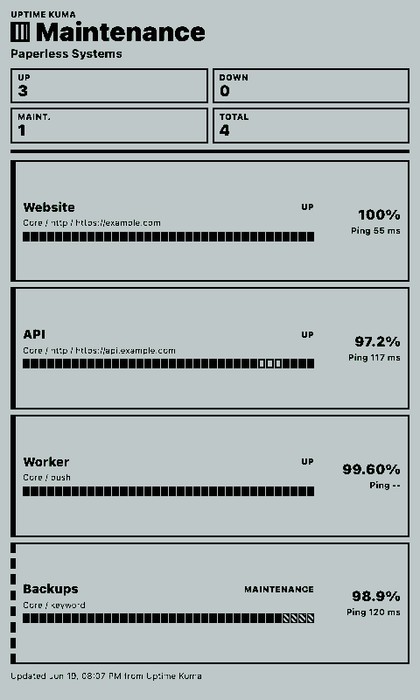
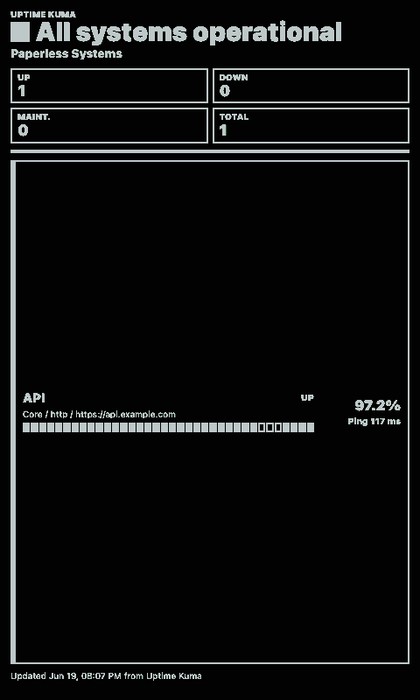
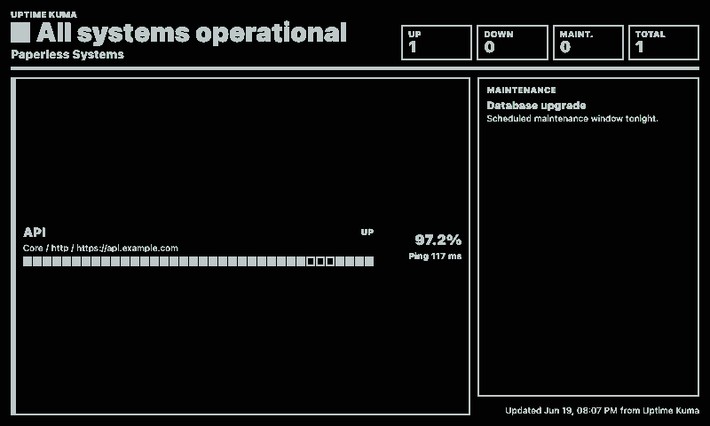
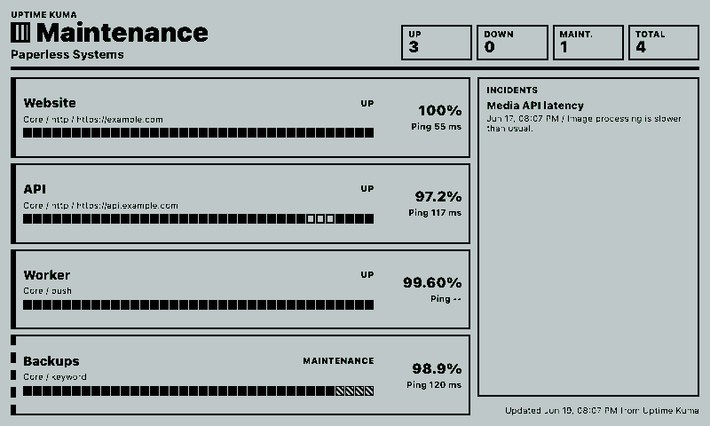
Uptime Kuma Monitor macht öffentliche Statusseiten auf dem paperlesspaper-Display sichtbar, ohne private Dashboard-Daten abzufragen. Die Ansicht eignet sich für Teams, Werkstätten oder Homelabs mit dauerhaft sichtbaren Servicezuständen.

Konfigurierbar sind Basis-URL, Statusseiten-Slug, optionaler Monitorfilter, Limit, Incidents, Wartungen, Heartbeat-Historie, Ping-Anzeige und Timeout.

Anpassbare Optionen

Uptime Kuma URL
stringStandard:

Base URL of your Uptime Kuma instance. Leave blank to use UPTIME_KUMA_BASE_URL from .env or show sample data.

Status page slug
stringStandard: default

The slug from /status/{slug}. Use default for the default status page.
Monitor filter
stringStandard:

Optional monitor ID or part of a monitor name.

Monitor limit
numberStandard: 6
Show incidents
booleanStandard: true
Show maintenance
booleanStandard: true
Show heartbeat history
booleanStandard: true
Show ping
booleanStandard: true
Request timeout
numberStandard: 5000

Ähnliche Integrationen

Image editor
With the image editor, you can quickly create simple drawings in the style of Instagram stories and send them directly to the PaperlessPaper display.Continue reading
 – Icon der Immich Photos Integration
Immich Fotosalpha
Zeigt zufällige, neueste oder älteste Fotos aus Immich mit optionalen Metadaten.Continue reading
 – Icon der Simple Text Integration
Simple text
Configurable text card for hints, notes and Markdown content.Continue reading
Home Assistant Integration von djiwondee
djiwondee hat ein Integration erstellt mit welcher du paperlesspaper ePaper-Displays direkt über Home Assistant – einschließlich Automatisierungen, Skripten und der gesamten HA-Medienbibliothek steuern kannst.Continue reading